
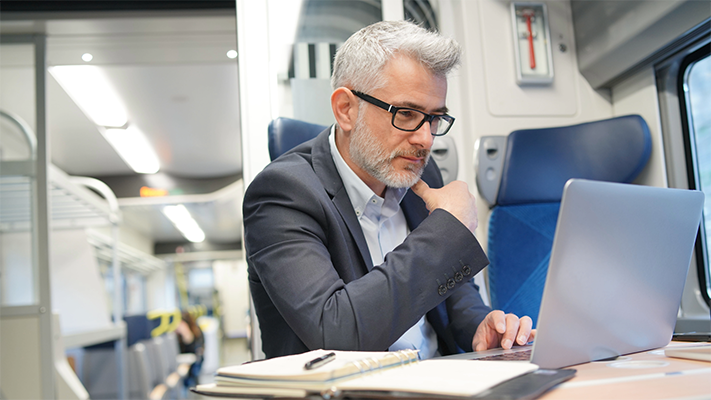
As we all know, it’s now common to work remotely, sometimes in cafés, hotel lobbies, trains, and coworking spaces. While these environments offer flexibility and convenience, they also present unique security risks, particularly when devices are left unattended and unlocked, even briefly.
A 10-second window to compromise
It takes less than 10 seconds for someone to insert a USB stick into an unattended device and install malicious software. Once installed, this malware can:
- Steal sensitive business or personal data
- Capture login credentials and passwords
- Corrupt files or access cloud storage
- Operate in the background without any visible signs.
In short, a device left unlocked for even a few seconds can become a serious vulnerability. This kind of breach can occur while you collect your coffee, visit the bathroom, or take a call outside.
It’s not just Hackers – it’s anyone nearby who is an opportunist
It’s important to remember that not all security breaches are highly sophisticated. In public places, a curious bystander could:
- Glance at or photograph confidential information on your screen
- Access emails, files, or applications
- View client records or financial data
- Forward or copy information without your knowledge.
All of this can happen quickly and quietly. The best defence is to ensure your device is always locked when unattended (or don’t leave it unattended).
What about the office?
Although office environments are generally more secure, they are not immune to risks. Shared workspaces, open-plan offices, and contractors or visitors can all introduce potential exposure.
Leaving your workstation unlocked, even for a short period, can lead to:
- Accidental data exposure
- Misuse of systems or information
- Unauthorised access to emails or internal systems.
Cybersecurity policies should include clear guidance for both office-based and remote working scenarios.
Practical security tips for all work environments
Whether you’re working from a café or an office, the following measures can help minimise risk:
- Always lock your device when stepping away:
-
- Windows: Press the Windows key + L
-
- Mac: Press Control + Command + Q
- Use automatic screen lock settings with a short timeout (e.g., 60–90 seconds)
- Use a privacy screen in public places to prevent visual hacking
- Avoid public Wi-Fi unless using a secure VPN
- Keep devices in sight and within reach at all times
- Enable full disk encryption to protect data in the event of theft or loss
- Implement multi-factor authentication (MFA) to add an extra layer of protection
Strengthen your remote working security
At Net Primates, we regularly support businesses in strengthening their cybersecurity both inside and outside the office. If your team works remotely or in flexible environments, we can help implement policies and protections that reduce risk without disrupting productivity.
Contact us today to learn more about secure device management, staff awareness training, and practical solutions for hybrid working.



 Sign up to our newsletter

